Scaling Voiceover Video Ads for Instagram Reels and YouTube Shorts
A workflow breakdown showing how to take a single script, generate audio, and automatically output social-ready video formats without expensive video production.
Audic AI Team
Editorial
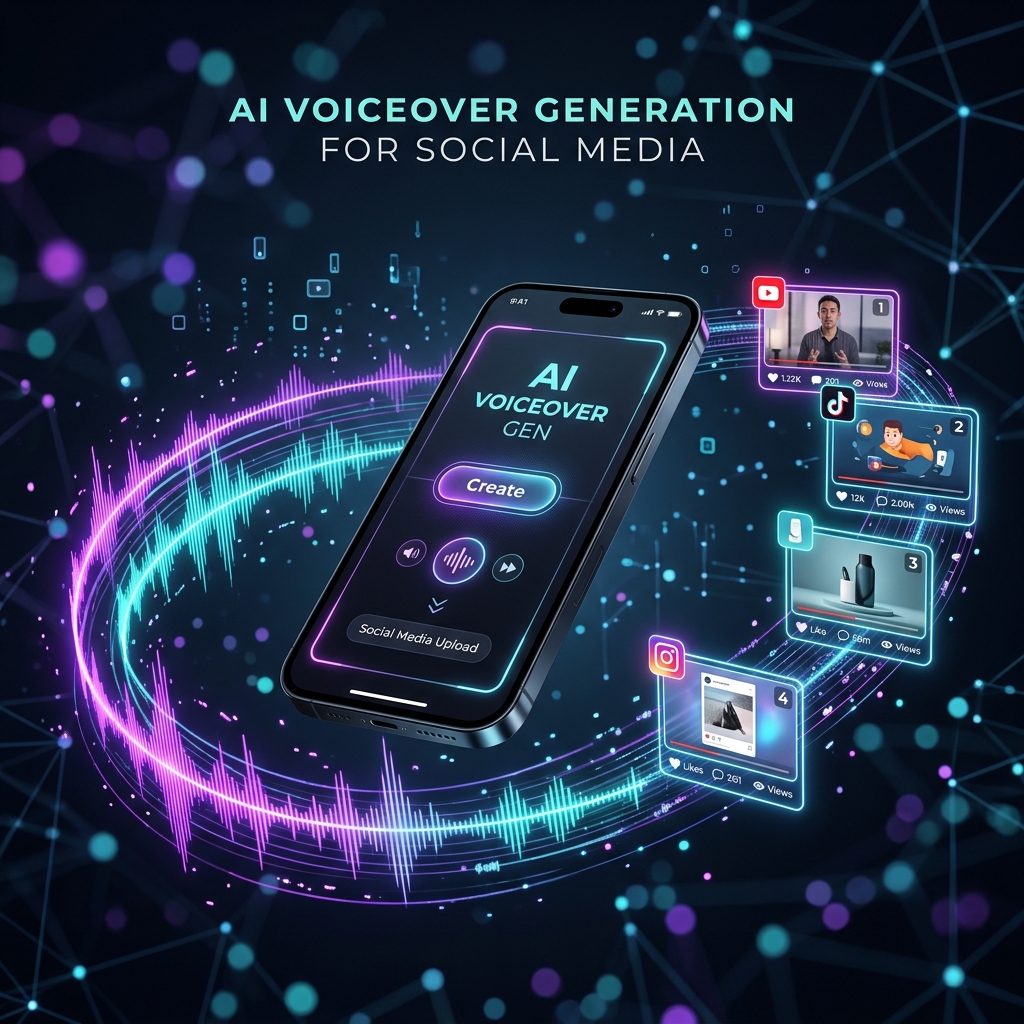
Short-form video has unequivocally become the dominant format for brand awareness. Whether it's Instagram Reels, YouTube Shorts, or video ads on Spotify, the modern consumer is consuming vertical video at unprecedented rates.
What has changed is not the format itself, but the cadence required to succeed. Publishing one or two polished videos a month is no longer a growth strategy; it's merely maintaining a presence.
To truly drive growth in the Indian market, brands need to publish weekly, across multiple platforms, and crucially—across multiple languages.
The Production Bottleneck
The constraint for most mid-market brands and agencies is production economics. Creating a high-quality 30-second video with professional voiceover, background music, and precise visual timing requires a dedicated team.
The Traditional Workflow:
- Write the script.
- Record the voiceover.
- Source background music.
- Open Premiere Pro or After Effects.
- Manually cut and sync images/b-roll to match the timing of the spoken words.
- Export, review, and adjust.
[!WARNING] When you multiply this process by 5 Indian languages for a regional campaign, a weekly publishing cadence becomes an operational impossibility.
The AI-Driven Voiceover Video Workflow
AI-generated voiceover video changes the fundamental economics of content creation. By treating creative production as a parameterized system, brands can bypass the video editor entirely for specific ad formats.
Platforms like Audic AI have introduced a seamless multi-format export capability. Here is how the new workflow operates:
- Input the Script: Type or generate your script within the platform.
- Select the Voice: Choose a hyper-realistic AI voice in your target language (e.g., Telugu).
- Upload Visuals: Upload brand images corresponding to specific sentences in your script.
- Automated Sync: The AI synthesizes the audio and automatically synchronizes the image transitions to match the sentence timing in the generated voiceover.
- Instant Export: Download an MP4 ready for Reels or Shorts.
A team can brief content in the morning, review the generated video by lunch, and publish the same afternoon.
Repurposing Audio Campaigns into Video
One of the most significant advantages of this workflow is the ability to stretch campaign budgets. If you are already generating a radio ad for local FM using Audic's audio generation tools, you can turn that exact same audio asset into a social video ad with just a few clicks by uploading background imagery.
The result? Brands that previously published video monthly can now publish weekly. Brands that published only in English can now publish in the regional languages their customers actually speak.
Stop letting video production timelines dictate your marketing calendar. Generate a Video Ad Now and see how fast social content creation can be.
Ready to create your first audio ad?
Generate a studio-quality audio ad in minutes — free to try, no credit card required.
Start Creating Free